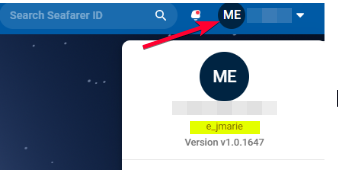
If you have multiple Oracle accounts you may need to use the "Switch Identity" option in Argo in or to be able to access and/or update specific entries. Especially if those accounts have different access levels or are linked to different agencies.
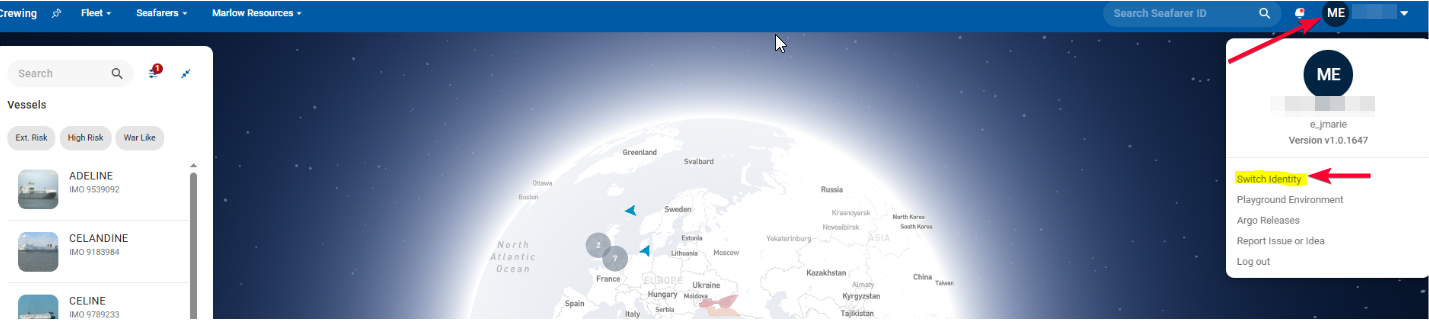
1. Click on on your username (top right) and select the option "Switch Identity"
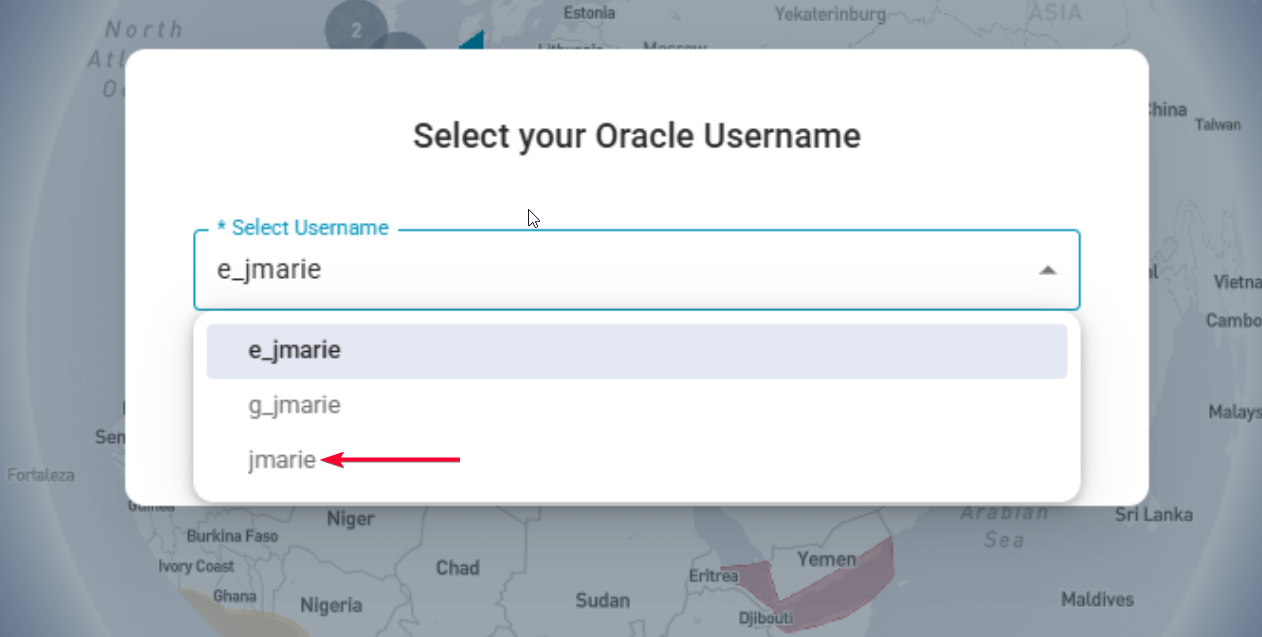
A list of all your active accounts will be shown by Oracle username.
2. Select the applicable username in order to switch
You can check which account you are logged in as at any time by clicking on your username again (top right)